Guide to Using MADRIX for Nightlife Venue Lighting
MADRIX is industry-standard software for lighting control used in clubs, festivals and premium venues around the world. This article discusses basic workflows and optimization tips for nightlife venues in Indonesia.
MADRIX (Matrix LED Software) is a platform used by professional lighting designers around the world to control thousands to millions of LEDs simultaneously. Compared to standalone controllers, MADRIX provides almost unlimited flexibility — but requires proper understanding to fully exploit its potential.
MADRIX System Architecture
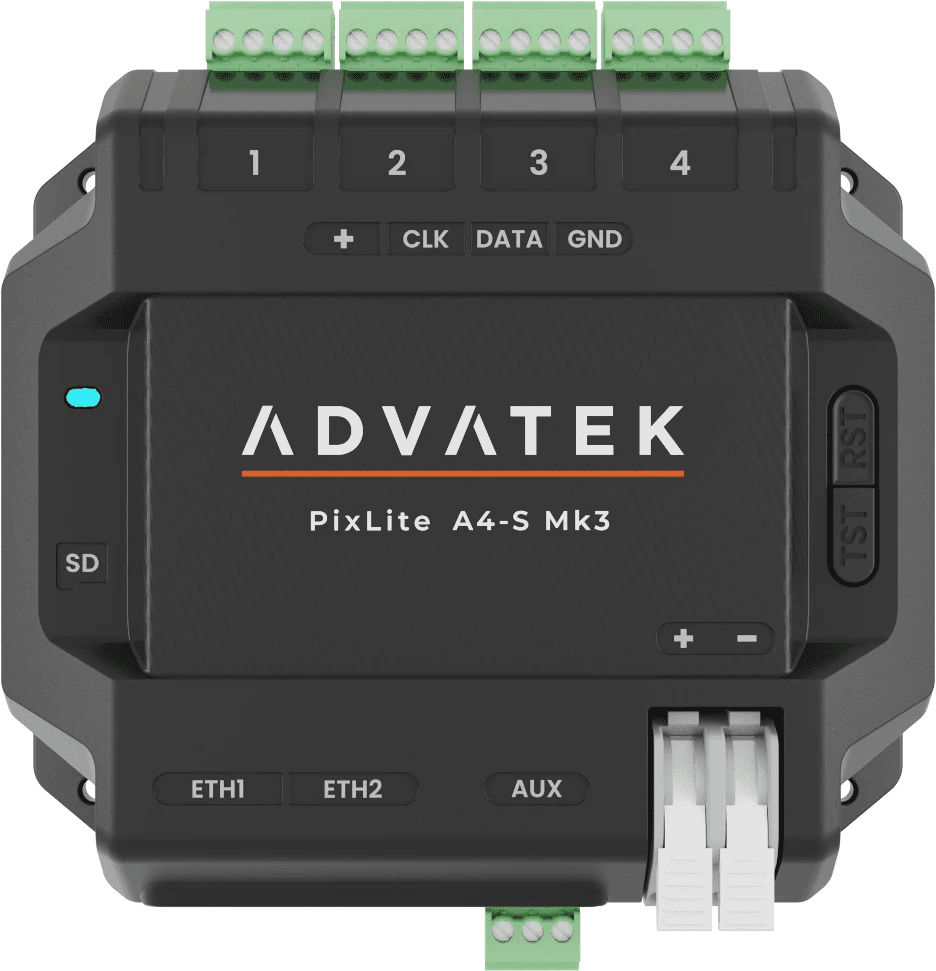
MADRIX operates as software on a PC/laptop connected to the LED controller via USB or network. Controllers (such as the Advatek PixLite series) receive Art-Net or sACN data from MADRIX, then distribute it to the LED strip. One MADRIX license can control up to millions of pixels depending on the license version.
Initial Setup: Patching and Matrix Definition
The first step is to define the ‘matrix’ — a virtual grid that represents the physical layout of the LEDs in the venue. If you have a ceiling with 500 vertical strips containing 60 LEDs each, that's a 500x60 = 30,000 pixel matrix. MADRIX will render each animation frame at that resolution, then map it to the appropriate Art-Net output. Make sure the patch table in MADRIX matches the physical wiring in the field.
Script Effects vs. MADRIX 5 Effects Engine
MADRIX 5 comes with hundreds of ready-to-use built-in effects — from fire, water, snow, aurora, to an audio-reactive spectrum analyzer. For nightlife venues, the most effective effects are: 'SCE Color' for a color wash with smooth transitions, 'SCE Move' for chaser patterns, and 'SCE Shift' for a pixel effect that moves across the matrix. Combine via layer system for complex overlay effects.
Reactive Audio: Integrating Sound Systems
MADRIX's killer feature in nightlife is audio-reactive lighting. Audio input can be from a PC soundcard or via an external audio interface. Setup: connect audio out from mixing desk to line in PC, enable audio analysis in MADRIX. Effects such as 'SCE Level' or 'SCE Waveform' will respond in real-time to audio frequencies. The bass kick will trigger one zone, the treble in another — creating a visual that 'blends in' with the music.
Presets and Cue Lists for DJs
For nighttime operation, create a preset for each mood: 'Opening' (subtle, warm), 'Build Up' (increasing intensity), 'Drop' (full energy, fast flash), 'Chill Down' (slow fade to darker tones). The DJ or operator can switch presets via keyboard shortcut, MIDI controller, or even DMX trigger from the lighting desk. This allows for a show that feels 'live' without a full-time lighting operator.
Performance Optimization: Framerate and Network
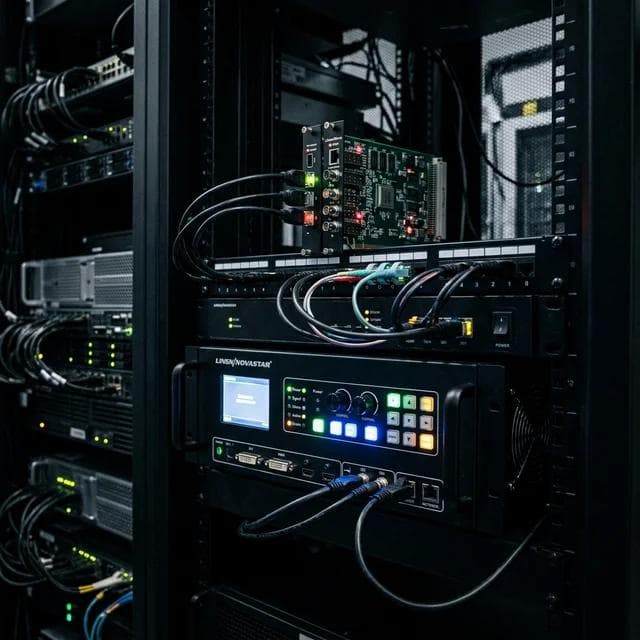
For large installations (>100,000 pixels), pay attention to framerate and network. Target at least 40fps for a smooth effect. Use dedicated gigabit network switches for Art-Net traffic — do not mix with public venue networks. If the pixel count is very high, consider multiple MADRIX output nodes. The PC used should ideally have a dedicated GPU because MADRIX utilizes GPU acceleration.
Linevolt offers programming and commissioning services for MADRIX systems in your venue, including creating custom preset libraries tailored to the venue concept. Contact us for further technical discussion.
Need Help?
Consult Your Lighting Project
Our expert team is ready to help from planning to installation. Free, no commitment.